Make your Mac screen
warmer at night.
Amber Mode adds a warm amber-orange filter and subtle texture so your screen feels less harsh and more comfortable for reading, writing, and winding down at night.
We'll email your download link plus occasional updates on new releases. Unsubscribe anytime.

Amber Mode is a native screen filter for the Mac.
Click the eye in the menu bar, then flip the toggle to try it out right here.
Built as my first Mac app, hope you enjoy. Feedback always welcome.
- Amber tints

- Auto schedule

- Three presets

- Paper grain

A warmer way to use your Mac at night
Amber Mode is built for people who spend hours reading, writing, and thinking on a bright screen.
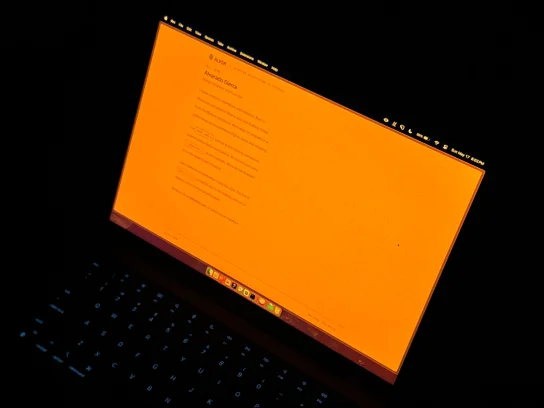
Warmer reading
Shift your screen away from harsh white light and into a deeper amber-orange tone inspired by Daylight.
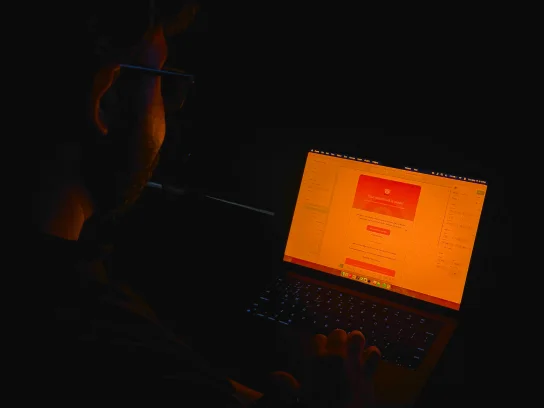
More comfortable nights
The warmer tone helps the screen feel less sharp and less aggressive when you are using your Mac after dark.
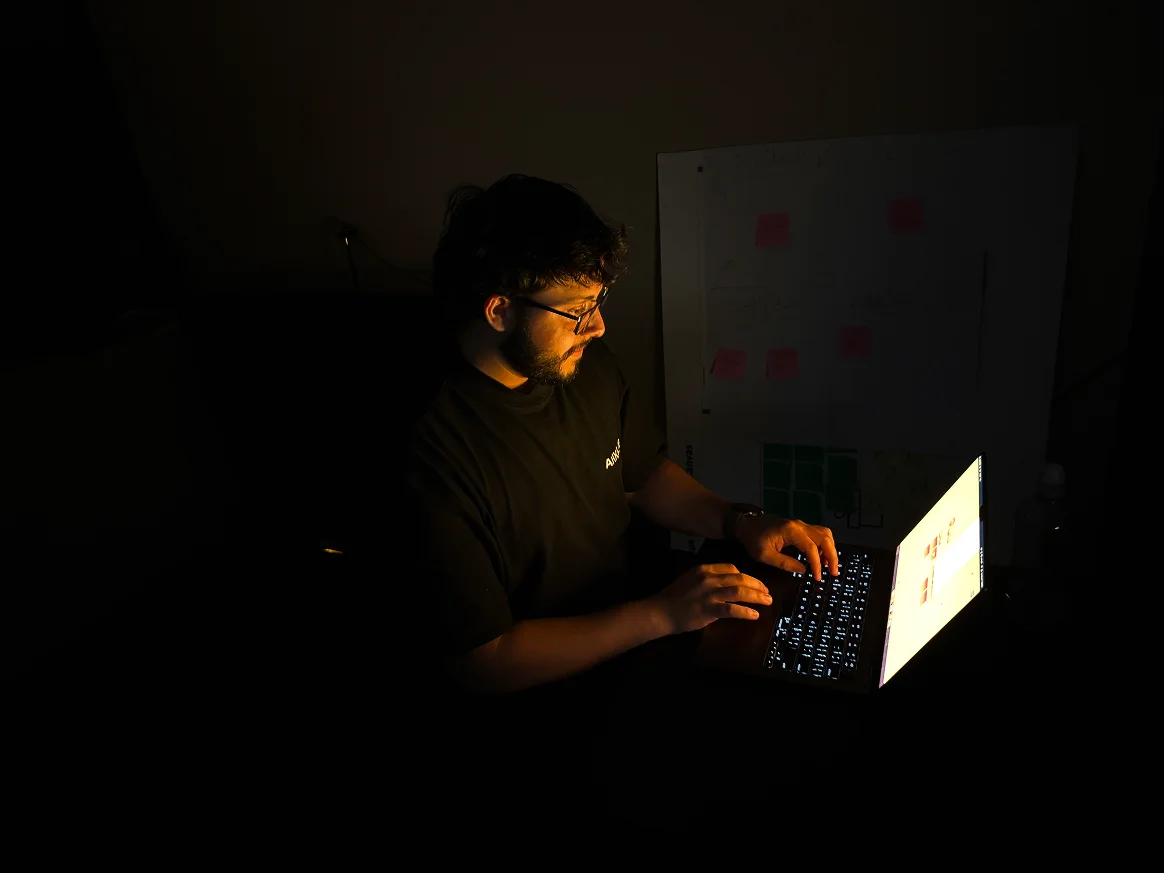
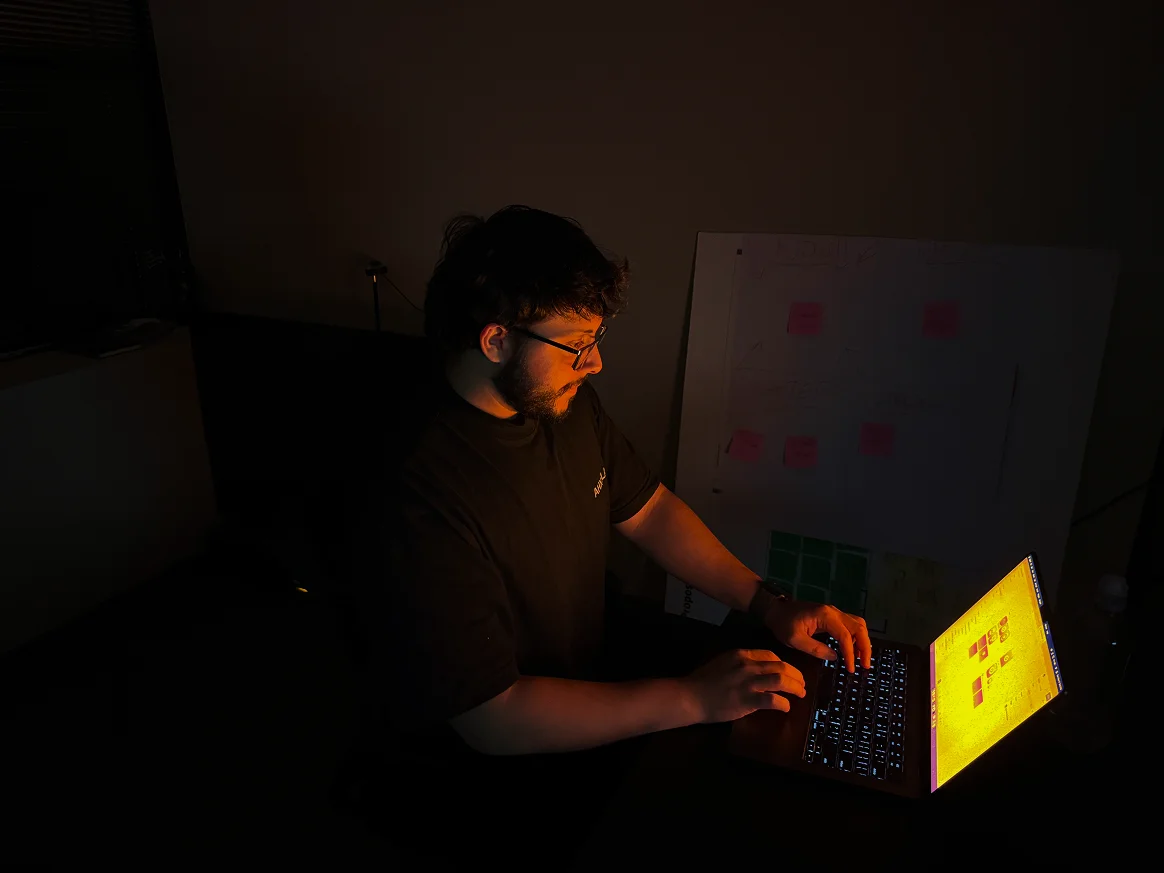
One-toggle simplicity
Turn it on from the menu bar and tune the mood in seconds.
Amber ModeFilter is off
Get Amber Mode free.
Drop your email — we'll send you the download link.
We'll email your download link plus occasional updates on new releases. Unsubscribe anytime.